The problem
Managing system access through emails and spreadsheets creates operational bottlenecks and approval delays. Without centralized oversight, lingering privileges and incomplete user records expose organizations to severe audit findings.

Pharma / AMS 360
Simplify, automate, and govern computer system access in full GxP compliance.
The problem
Managing system access through emails and spreadsheets creates operational bottlenecks and approval delays. Without centralized oversight, lingering privileges and incomplete user records expose organizations to severe audit findings.
The solution
AMS 360 unifies the entire access lifecycle into a centralized, GxP-ready platform—automating multi-tier approval routing, time-bound provisioning, instant offboarding, and 21 CFR Part 11-compliant electronic audit trails across all enterprise and laboratory systems.
Stay inspection-ready with continuous 21 CFR Part 11 and EU Annex 11-compliant electronic audit trails.
Prevent security breaches by instantly revoking access upon employee departures or role changes.
Cut request turnaround from days to hours using automated approval routing and delegation.
Audit readiness and lower audit risk, higher employee productivity, and freedom from storing, maintaining and retrieving paper forms.
It also gives better control over access management and paves the organisation's path towards digitization.
Manual access approval typically takes 2 to 3 days, so the person waiting loses those days. The automated approval flow in AMS 360 brings this down to a few hours—a reduction of more than 70%.
Moving a paper form from person to person and filing it for retrieval takes additional time. Assume one person-day saved per access request: an organization with 1,000 employees requesting about 5 accesses a year saves 5,000 person-days annually.
Management has an accurate picture of current and historic access to every system, easily demonstrated to an auditor by pulling a report.
AMS 360 ensures no access lingers beyond the approved time period, giving IT confidence that only the right people have access to the correct systems—and demonstrating that management controls the approval and monitoring process.
It makes it easy to ensure the right personnel have the right access to the right systems, and to revoke permissions when employees change roles or leave the firm.
With comprehensive reporting, IT can quickly show which employee has access to which systems, or which users have access to a given system, to answer audit queries.
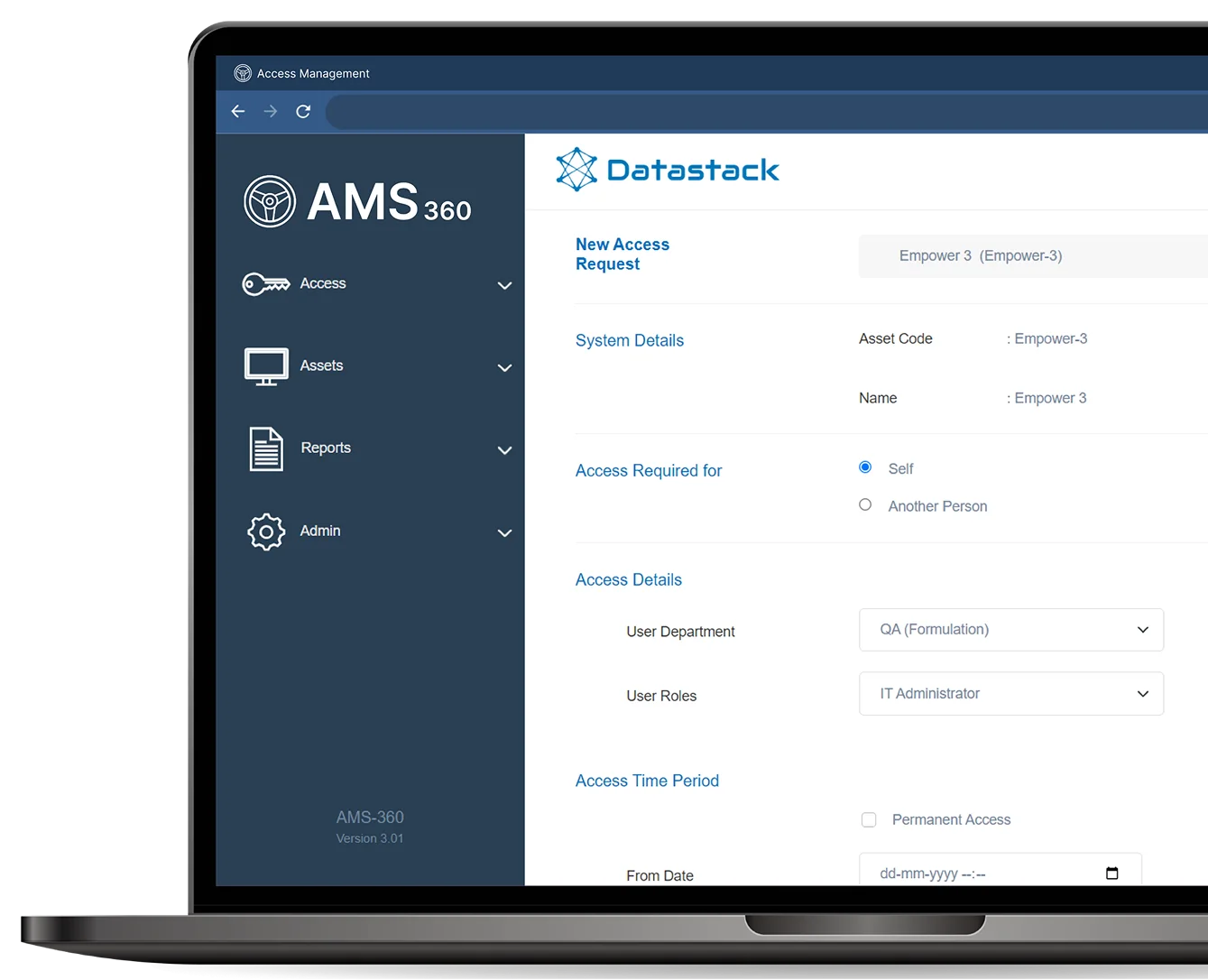
You can build customized access request forms for each computer system and define dependencies between fields—for example, showing “Create new user” only when the Administrator role is selected.
Approval workflows are configured per system. Access to a network shared drive may need only the department head, while access to a QMS may need both the department head and the QA head. The flow can also depend on the roles requested.
Training requirements and access providers can also be configured per system and per role.
Not out of the box—access is provided externally. Such integrations are complex, need approval from the OEM of the target system, and add validation complexity.
Most homegrown or vendor systems have one form, or a limited number, for all asset types, so access cannot be tracked at different levels. Without configurable approval and training workflows they become little more than electronic paper.
AMS 360 manages access at a very granular level—every access option available in the corresponding system—with configurable approvals and training needs, giving complete control over access provision.
New access, remove access, modify access, access extension, password reset, and account unlock requests.
A week before the end date, the user receives an automated email and can request an extension. If they don't, a removal request is sent to IT on the end date.
AMS 360 is usually linked to the HRMS. When an employee leaves, it automatically generates requests to revoke access for every system they had access to.
Requests flow to an approver group rather than a single person, and are sent to all members simultaneously—so leave and vacations never delay a request.
Yes. Assets are configured using “options”, and approval workflows use configurable rules with multiple levels of approval groups. The rules can be as complex as you need.
Either model works. AMS 360 has been successfully deployed on Azure and on-premises in client data centers.
Yes. It is built per GMP guidelines and is fully compliant with FDA 21 CFR Part 11.
Pricing is based on the maximum number of assets and users configured, in three tiers: Silver (100 assets / 500 users), Gold (400 assets / 2,000 users), and Unlimited.
You are not locked into a tier—upgrade at any time by paying the difference in licensing cost.
Walk through automated approvals, time-bound access and audit reporting with our team.